It is a place you return to, one small choice at a time.
SReader keeps that choice visible.
The rest of the page stays close enough to remember.
Pause here. Continue when you are ready.
The current line stays visible.
EPUBPDFMARKDOWNTXTREAD AT YOUR PACE
01
The idea
Read faster by giving one line your full attention.
SReader keeps a steady focal point on books, essays, and the things you meant to finish. Your eyes move less, your pace stays clear, and the surrounding text remains close.
Choose your rhythm
Three ways to keep your focus moving.
Start with the whole line to build speed. Tighten the frame when you need less eye movement. Change modes whenever the page asks for it.
01 / Line mode
Read full lines without losing context.
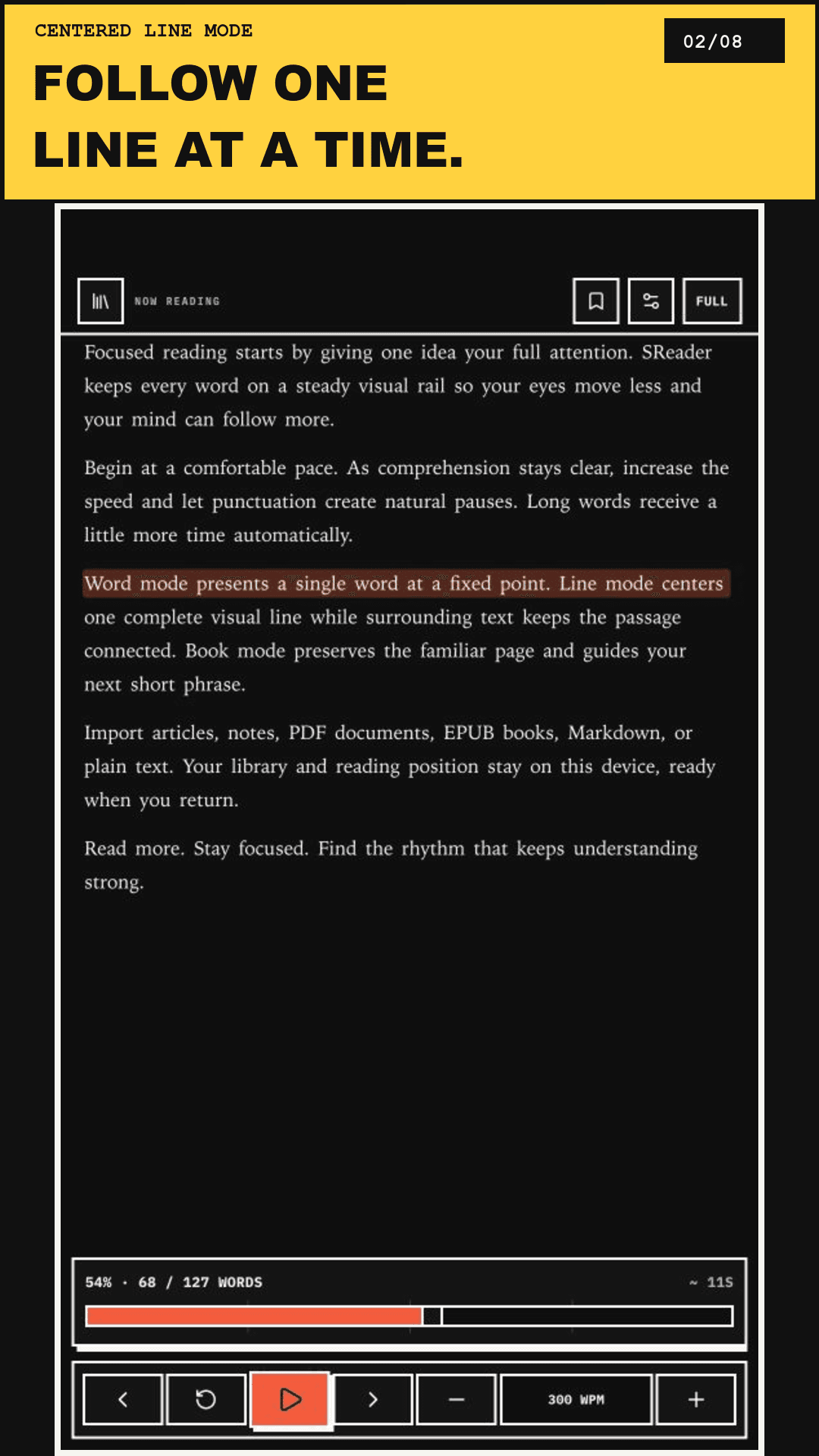
The current line gets a clear highlight so you can move faster while the surrounding paragraph stays available for context.
One complete line in focus
Less eye movement per page
Paragraph stays visible
Line mode / current app
attention
02 / Word mode
Lock onto one word.
Reduce eye movement and hold your attention at one fixed point.
the pagecomes closer
03 / Cluster mode
Keep focus with more context.
Move through short phrases while the page stays familiar around them.
Bring your own material
Read more. Lose less of your place.
Open a file from your device, find your pace, and come back later without losing the focus you built.
Open files
Bring in anything worth reading.
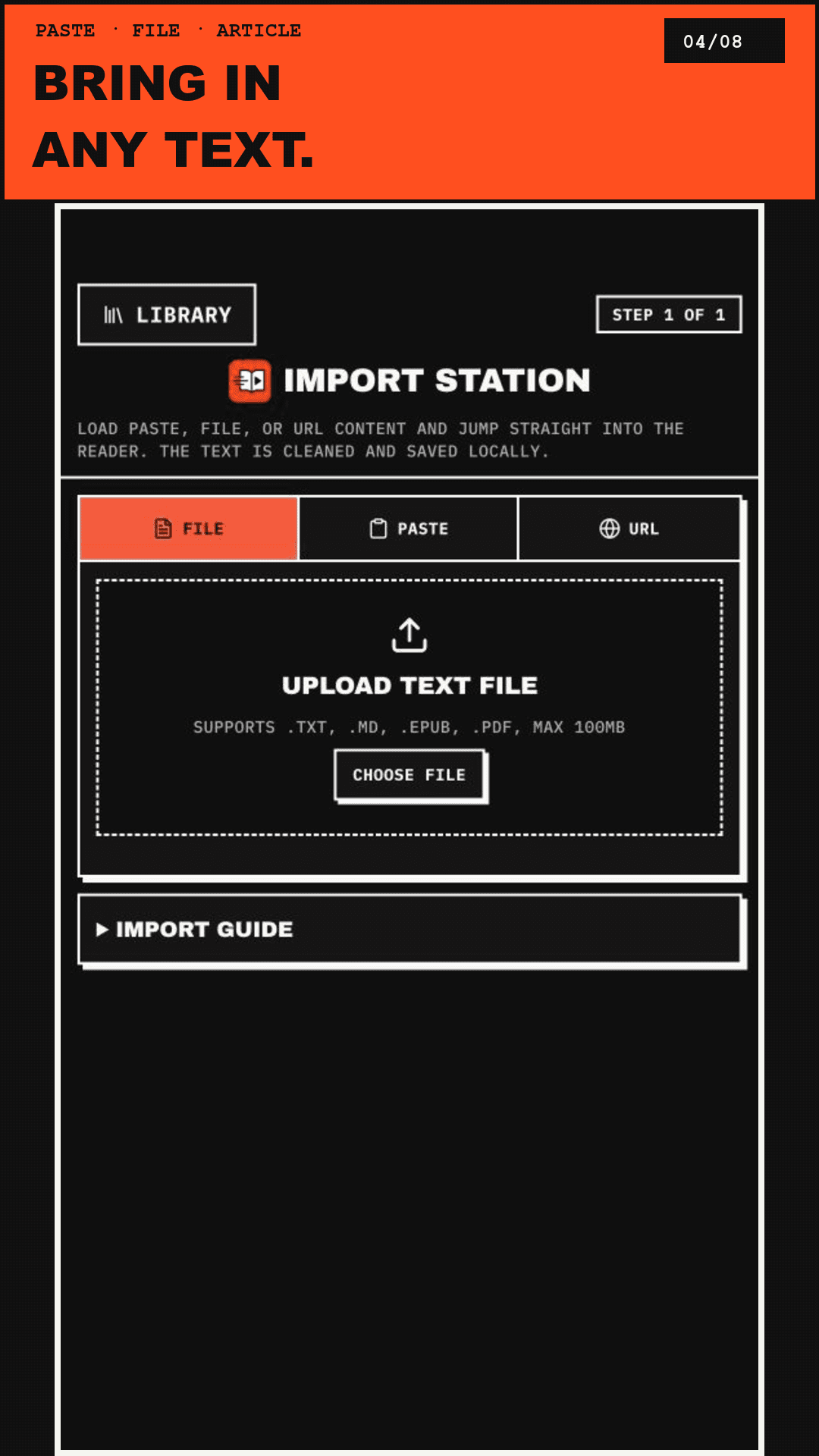
Open EPUB, PDF, Markdown, and TXT files. Add an article URL or paste a short passage when that is easier.
EPUBPDFMDTXT
Files come first
Pick up later
Pick up and keep moving.
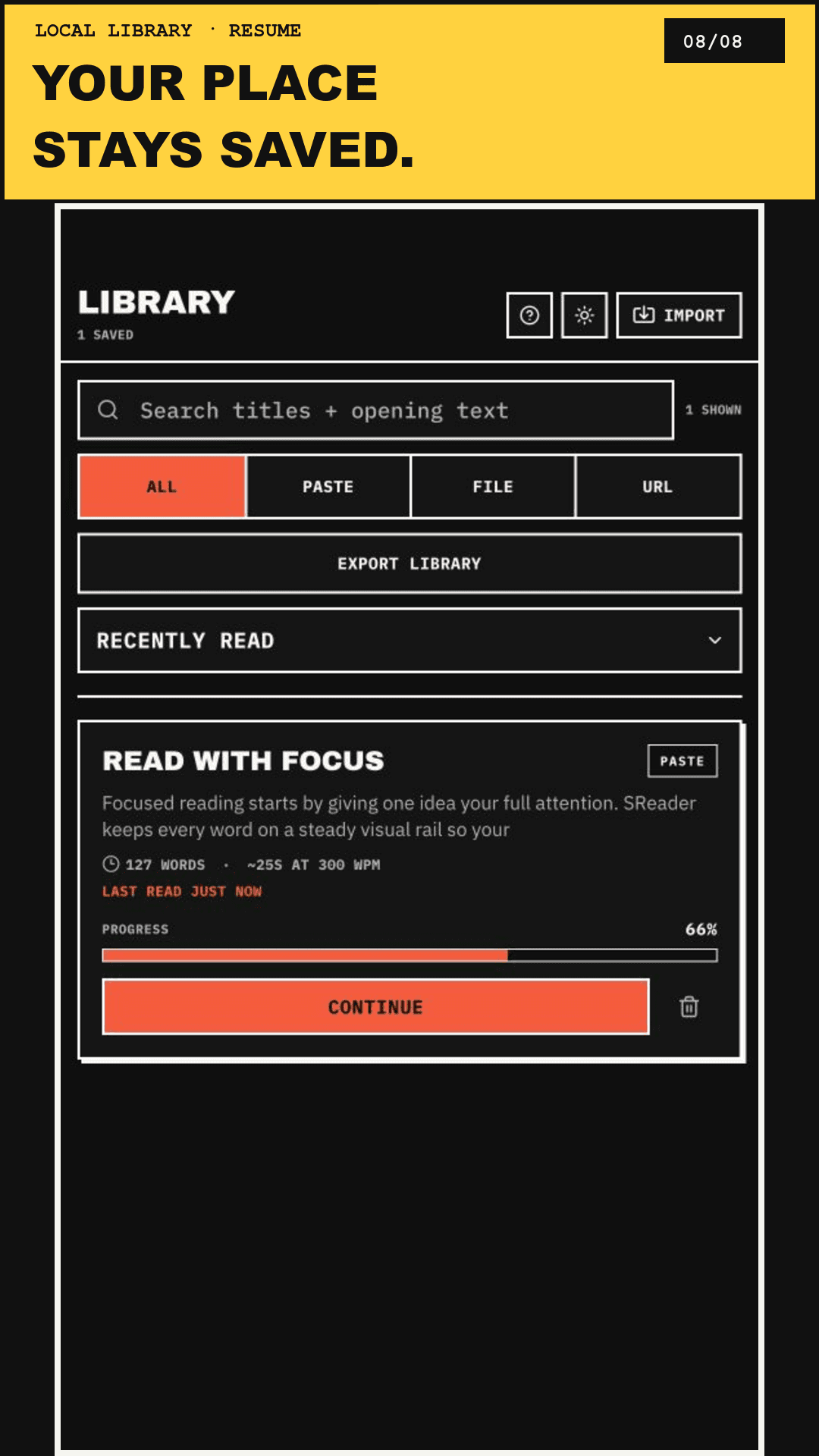
Your books, bookmarks, settings, and progress stay in the local library on your device.
Example saved position66%
Tap Continue to resume
Keep the reader yours
Tune the pace. Keep the focus.
Speed
Move faster or slower without losing the line.
Text size
Set the size that keeps your eyes comfortable for longer.
Controls
Pause, move, and return to the exact place you left.
Mode
Switch between Line, Word, and Cluster as your focus changes.
Quiet by design
Stay focused. Keep your files local.
SReader processes files and pasted text locally, so you can keep your attention on the page. It only loads a web page when you enter an article URL.